From template to live website in three steps

With createwebsite.io you pick a website template made for your industry, fill in your business details, and get a complete site you can edit and publish. Building and previewing are free, and going live costs $22.67 a month per project.

How createwebsite.io works

Pick the template for your industry
Step 1

Pick the template for your industry

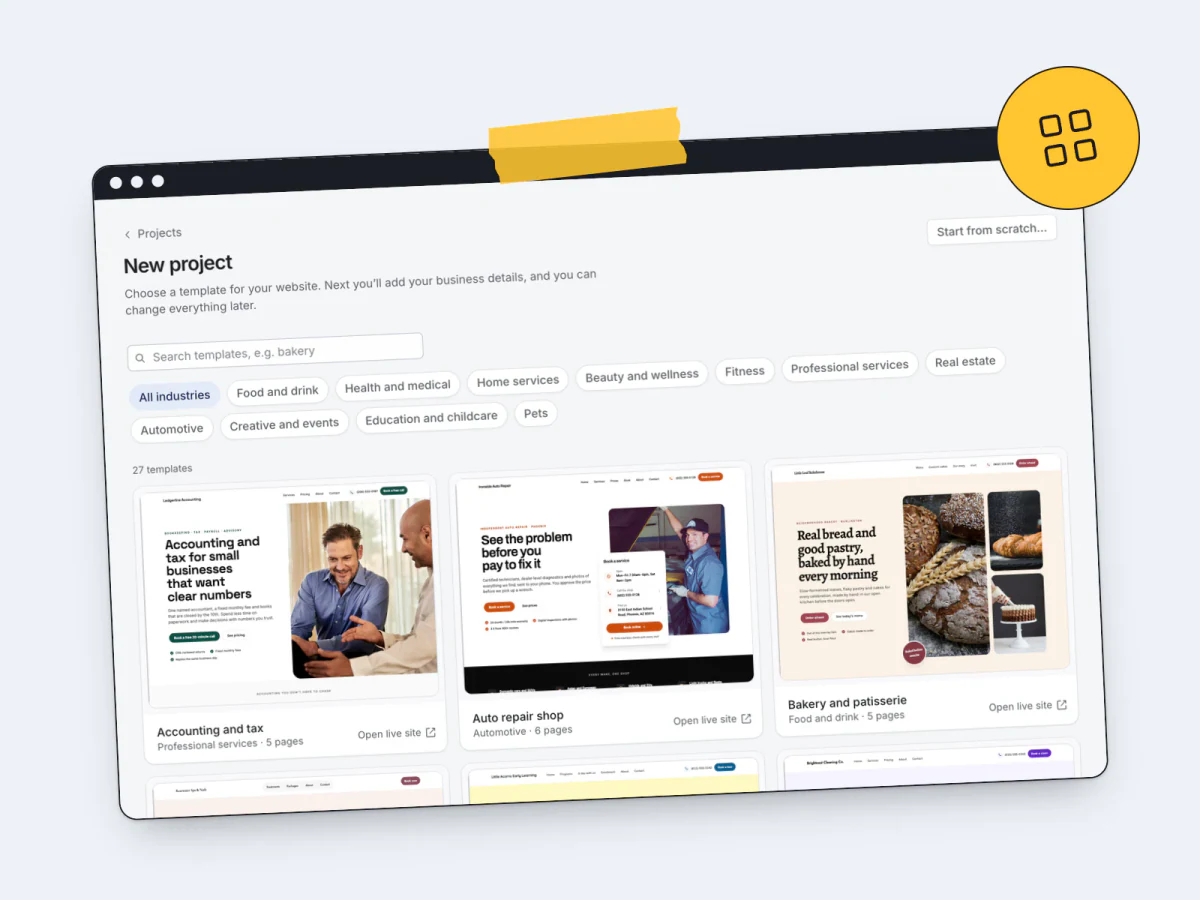
Browse 27 templates, from plumbers and electricians to dentists, salons and restaurants. Each one is a live website, so open it and click through every page before you decide. When you've found yours, click Use this template.
Add your business details
Step 2

Add your business details

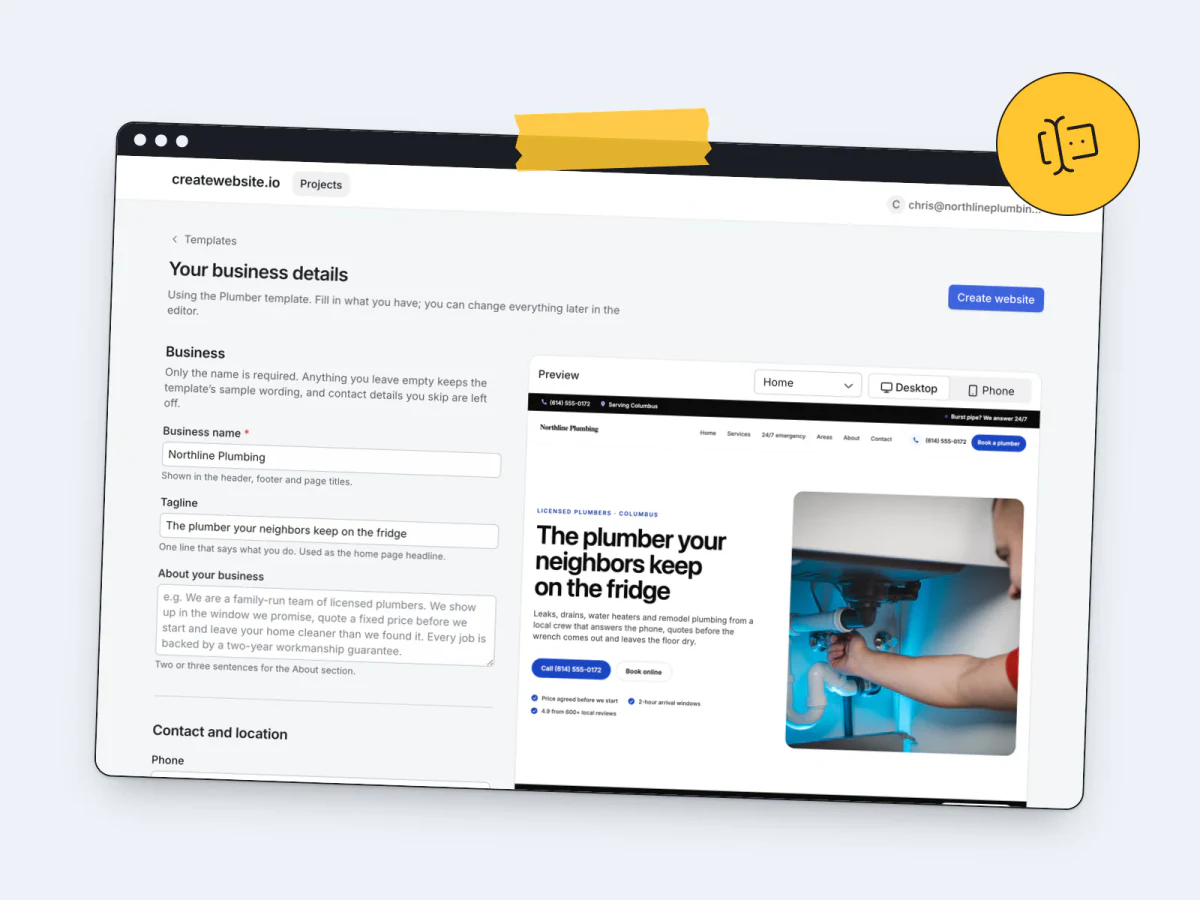
A short form asks for your business name, tagline, a few words about you, phone, email, address, city, opening hours, booking link, services with prices, brand color, logo and social links. Only the name is required. Anything you leave empty keeps the template's sample wording, and contact details you skip are left off, so there are no half-finished lines.

Edit, preview and publish
Step 3

Edit, preview and publish

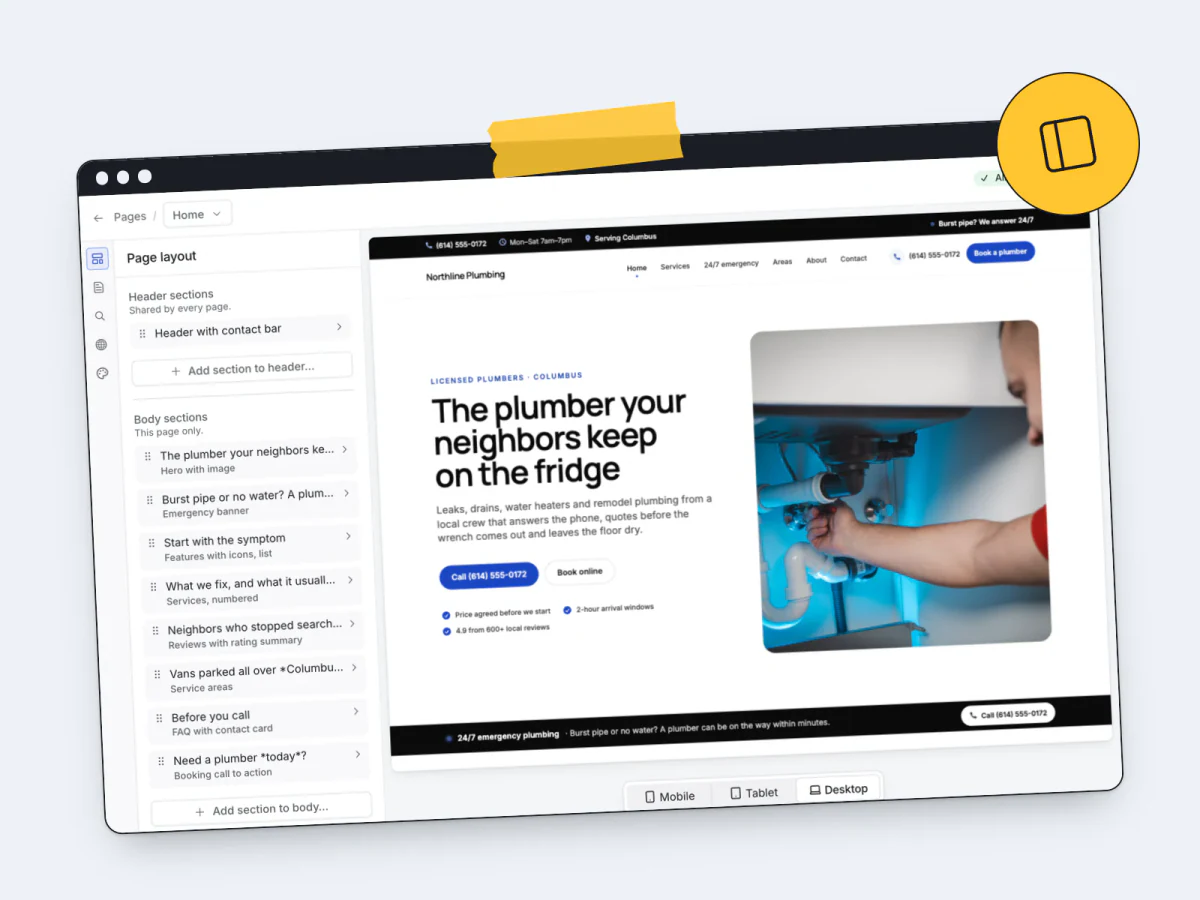
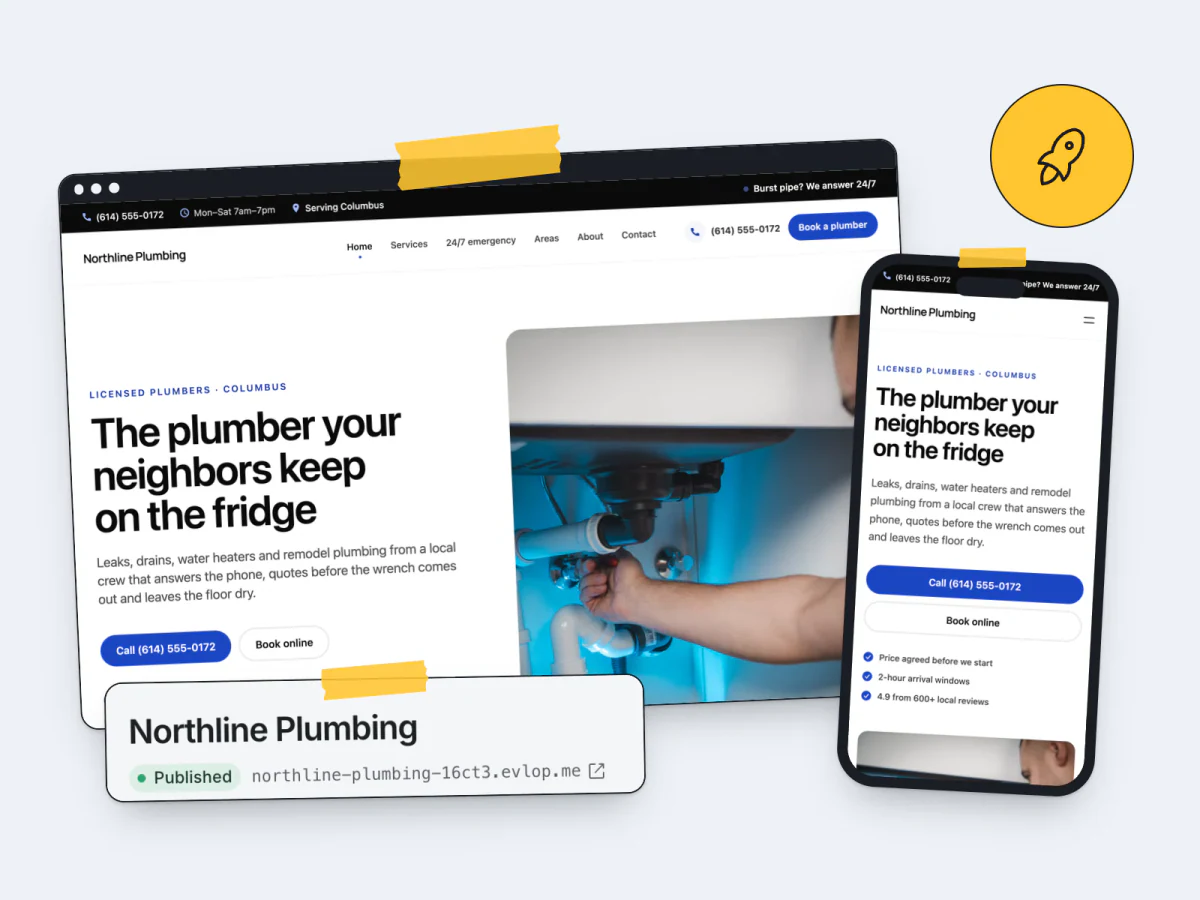
Your site opens in the editor. Change any section, swap photos, add pages and preview it on your phone. When you're happy, choose the Basic plan, publish, and connect your domain.

Have these to hand

None of it is required except your business name. You can add the rest later.

  • Your business name and a one-line description

  • Phone, email, address and opening hours

  • Your main services, with prices if you publish them

  • Your booking link, if you use an online booking tool

  • Your logo and a few photos of your work

    Optional, and you can add them later.

Your website is closer than you think

Choose your industry's template, add your details, and see your site before you pay anything. Free to build. No card needed.